About this product
Industry template: Construction & Heavy Equipment — full UI skin with branded colors, fonts, hero banner, and 6-locale strings.
Published: 20 Apr 2026
We respect your privacy. CarphaCom uses cookies and similar technologies to operate the site, secure your account, remember your preferences and analyse traffic. You can change your choice at any time from the link in the footer.
Required for the site to work — login, cart, checkout, security. These cannot be disabled.
Help us understand which pages and features are useful, in aggregate. No identifying data is shared.
Allow us to show you relevant offers on our site and via partners. Disabled by default.
Loading...
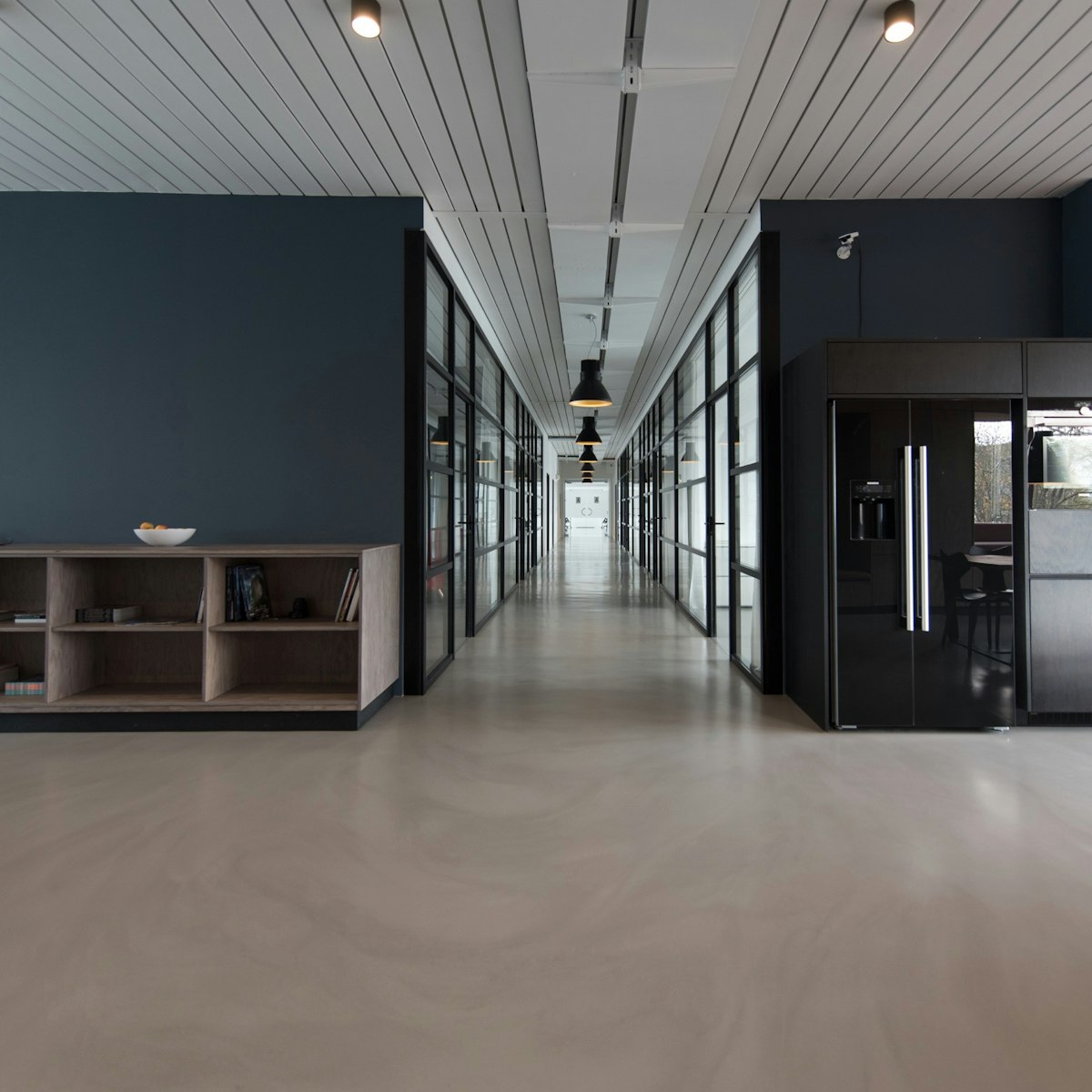
Industry template: Construction & Heavy Equipment — full UI skin with branded colors, fonts, hero banner, and 6-locale strings.
Published: 20 Apr 2026
cms-construction.No reviews yet — be the first to share your experience!